What is Reseller panel?
A reseller panel is a dashboard for comparing listed services, available payment methods, order tracking, and documented API workflows.
Service guideReviewed
A practical guide for reseller panel workflows, from choosing services to testing the API and supporting clients.
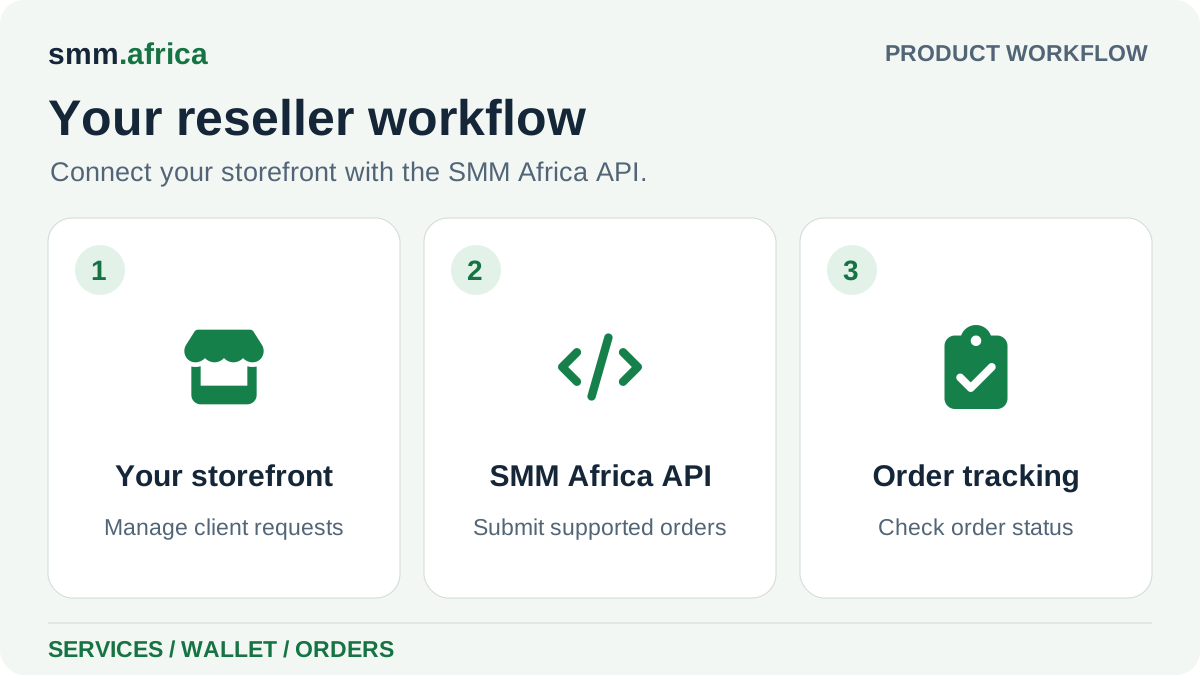
A reseller panel is a dashboard for comparing listed services, available payment methods, order tracking, and documented API workflows. Use the current catalog and API documentation to choose a small service set, test the ordering workflow, and decide how you will price, support, and report to your own clients.
Before you continue
A reseller panel is a dashboard for comparing listed services, available payment methods, order tracking, and documented API workflows.
Service notes, prices, target requirements, and support options can differ by listing, so a small manual test helps you design the right workflow.
Agencies, resellers, developers, and panel operators planning a repeatable service workflow.
After a manual test confirms the service fields, target format, API responses, error handling, and support path.
Key points
Who this helps
Use the current listing and service notes to make a small, informed first order.
Test service IDs, API responses, client terms, and support paths before repeat use.
Use the API documentation to build clear error handling, pricing, and customer support.
Trust and clarity
Compare service IDs, targets, quantity limits, prices, notes, and available support options.
Sign in and open Add Funds to see the payment methods currently available to you.
A reseller or agency manages its own client consent, pricing, support, refunds, compliance, and reporting.
Use native platform analytics and your normal business tools to measure reach, engagement, leads, and sales.
Reseller workflow
Choose a focused service set, understand the current catalog and API, and define clear terms for your own customers.
API and operations
Test a small service set manually before connecting service lookup, orders, status, or supported follow-up actions to another application.
Continue from here
Some buyers need pricing first. Others need support, payments, or reseller details. Pick what keeps your next step clear.
Trust resources
Review company details, policies, and support routes before funding a wallet or placing an order.
FAQ
It explains how agencies, resellers, and panel operators can compare the current service catalog, review the API, test an order, and plan their own customer workflow.
Sign in and open Add Funds to see the payment methods available to you. Review the amount and fee before completing a payment.
Yes. They can review the API documentation and test the documented service, balance, order, status, refill, or cancellation actions that fit their workflow.
No. Your margin depends on current service costs and the prices you set. Check each listing and test the services you plan to offer.
Ready to move from research into action?
Review the current details before you fund your wallet or place an order.