New to panels? Start with what an SMM panel does, then follow the first-order walkthrough.
Start with the exact service
A category groups related services; it does not make their conditions interchangeable. Save the service ID and reread the description before a repeat order. Availability, price, limits, and refill coverage can change. An old screenshot records an earlier offer, not a current quotation.
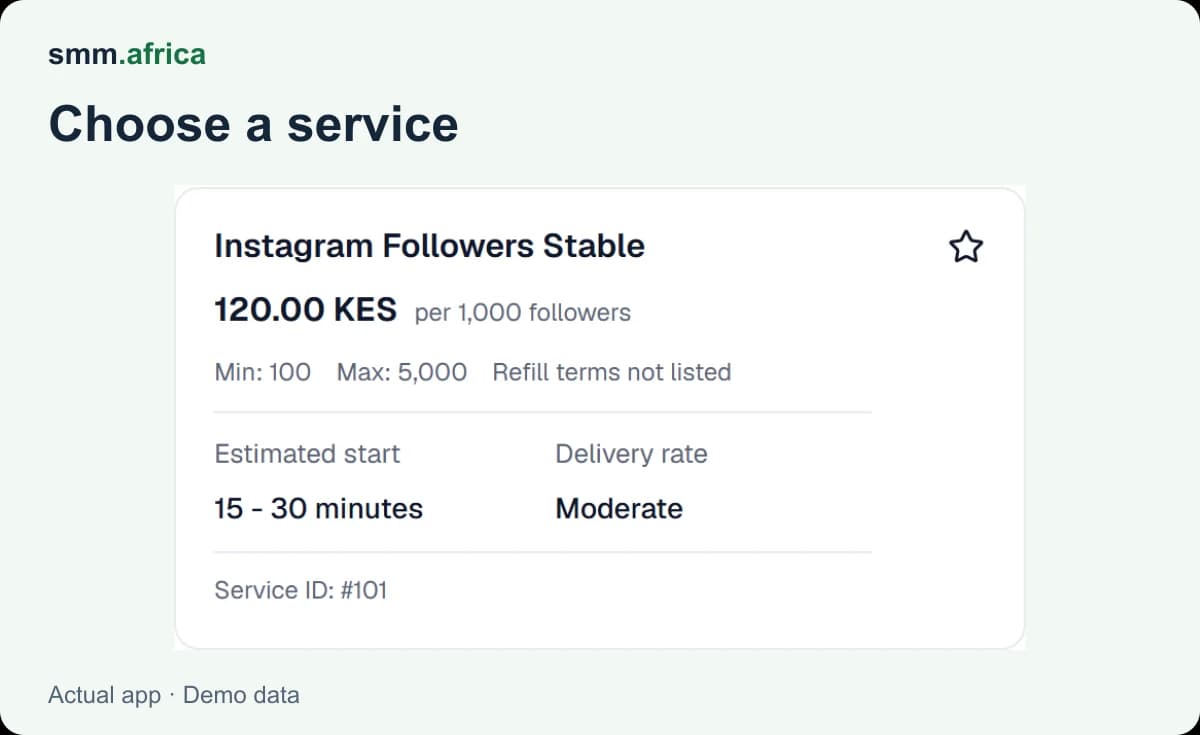
An annotated example
This is a fictional listing, not a live offer.
Six fields to check before ordering 200 KES per 1,000500 units cost 100 KES before separately displayed adjustments. Packages have different rules. Public profile URLUse the specified profile target; a post URL or group invite is not interchangeable. Quantity: 100-5,000Allowed limits, not a recommendation to order the maximum. Start: 0-6 hoursAn estimate for starting, not a completion deadline. R30Check the window's start point, eligible drops, and request process. Cancellation availableA request may still be ineligible after processing starts.Recognize billing exceptions
Many quantity services use a rate per 1,000, but some are packages. Other types ask for comments, multiple targets, or scheduled runs. Do not multiply a package price by the advertised number inside the package. Read the form and final charge; ask support before submitting if the listing and checkout disagree.
Check labels and target requirements
Premium, targeted, and high retention need measurable definitions. Ask what characteristic is actually included. A geographic label does not establish purchase intent, and follower counts do not establish future viewing or sales. Refill describes an eligible remedy; it does not prevent every drop.
Check restrictions on private accounts, changed usernames, and overlapping orders. Provide only the public target requested, never a social password, session cookie, or recovery code. Platform authenticity rules still apply.
Your final review
- Record the service ID and current notes.
- Check the target and required input type.
- Confirm quantity, billing unit, currency, and final charge.
- Read delivery estimates and support conditions.
- Keep the order ID for later questions.
Continue with refill vs non-refill or order statuses.